ipylab#






Control JupyterLab from Python notebooks.
The goal is to provide access to most of the JupyterLab environment from Python notebooks. For example:
Adding widgets to the main area
DockPanel, left, right or top areaBuild more advanced interfaces leveraging
SplitPanel,Toolbarand other Lumino widgetsLaunch arbitrary commands (new terminal, change theme, open file and so on)
Open a workspace with a specific layout
Listen to JupyterLab signals (notebook opened, console closed) and trigger Python callbacks
Try it online#
Try it in your browser with Binder:
Or with JupyterLite:
Examples#
Add Jupyter Widgets to the JupyterLab interface#

Execute Commands#

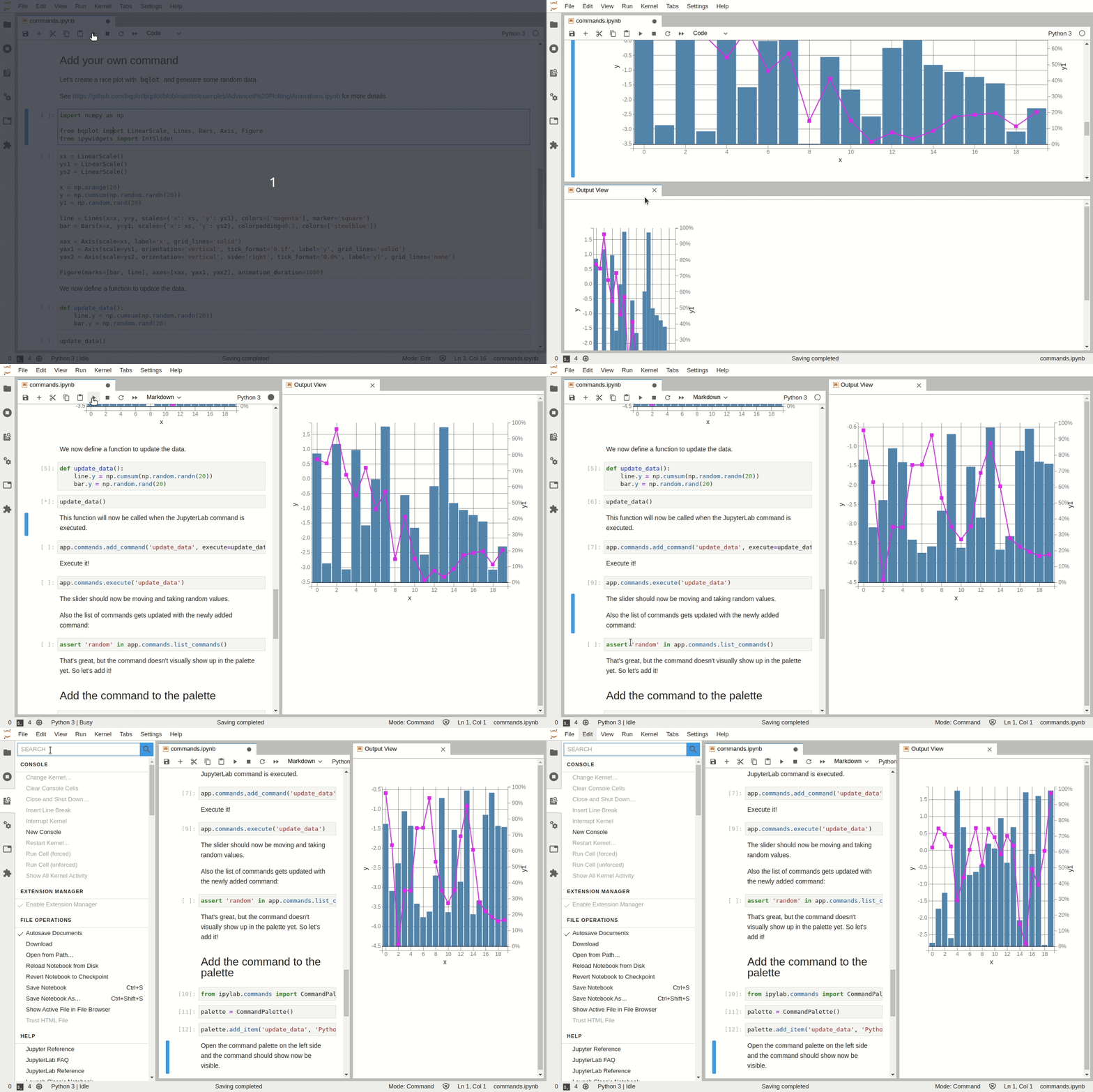
Custom Python Commands and Command Palette#
Build small applications#

Compatibility with RetroLab#
A subset of the features can be used in RetroLab:

Installation#
You can install using pip:
pip install ipylab
Or with mamba / conda:
mamba install -c conda-forge ipylab
Running the examples locally#
To try out the examples locally, the recommended way is to create a new environment with the dependencies:
# create a new conda environment
conda create -n ipylab-examples -c conda-forge jupyterlab ipylab ipytree bqplot ipywidgets numpy
conda activate ipylab-examples

# start JupyterLab
jupyter lab
Under the hood#
ipylab can be seen as a proxy from Python to JupyterLab over Jupyter Widgets:

Development#
# create a new conda environment
mamba create -n ipylab -c conda-forge jupyter-packaging nodejs python -y

# activate the environment
conda activate ipylab

# install the Python package
python -m pip install -e ".[dev]"

# link the extension files
jupyter labextension develop . --overwrite

# compile the extension
jlpm && jlpm run build